Use your own certificate to sign outbound calls through Telnyx’s hosted signing service.
Before you begin
You’ll need:
- A certificate from an authorized STI-CA, hosted at a public HTTPS URL.
- An unencrypted PEM private key using EC-P256 or RSA-2048.
- An outbound voice profile.
- A US phone number for testing.
1. Add your certificate in Mission Control Portal
- Sign in to the Mission Control Portal.
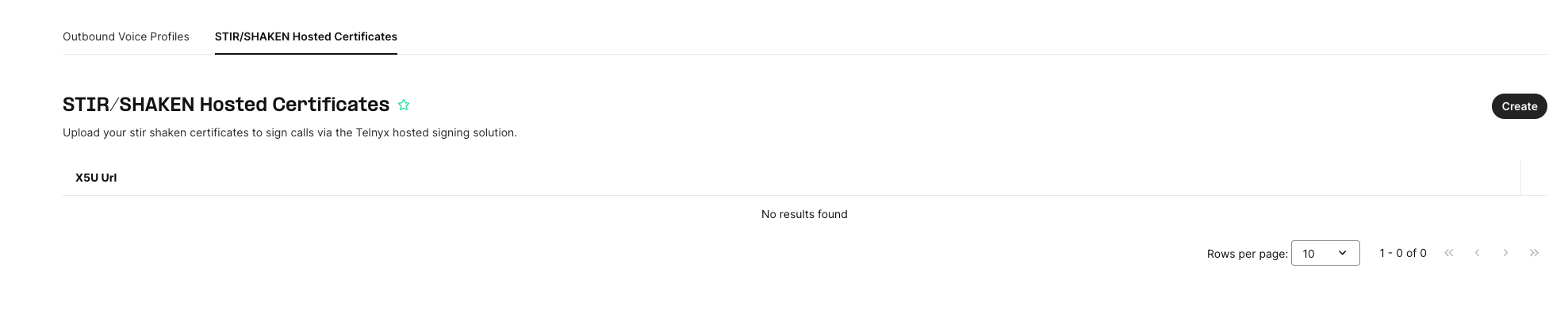
- Open the STIR/SHAKEN Hosted Certificates tab beside Outbound Voice Profiles.
- Click Create.
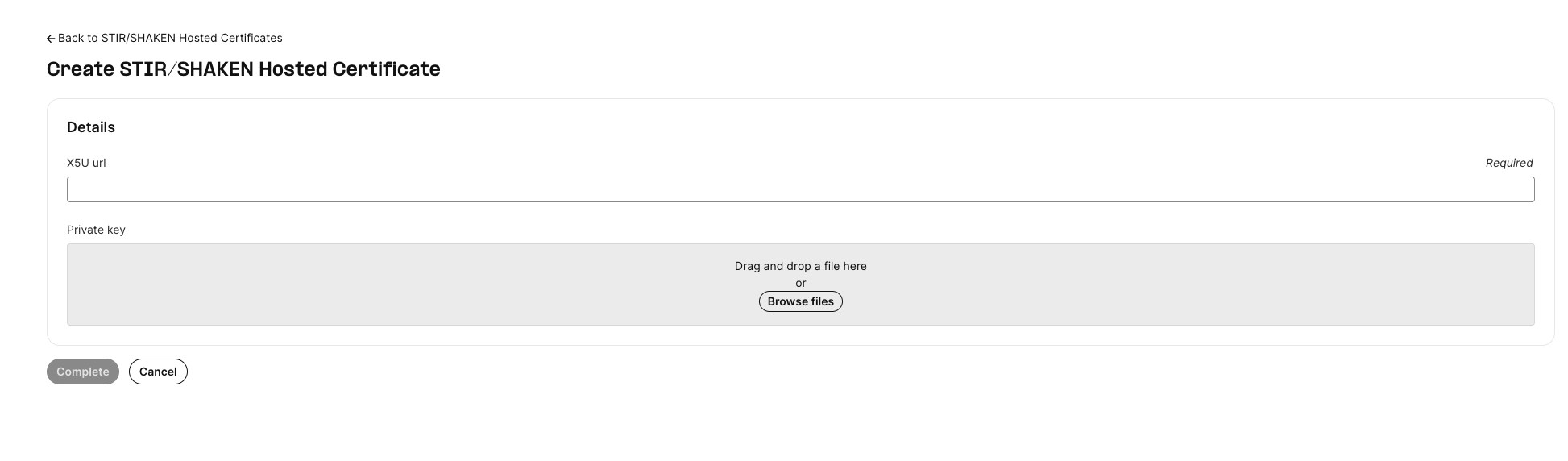
- In X5U url, enter the public HTTPS URL where your certificate is hosted.
- Under Private key, drag and drop your private key file or click Browse files to select it.
- Click Complete to submit.
API alternative
Send POST /v2/stir_shaken_certs:
{
  "x5u_url": "https://example.com/certificate.pem",
  "private_key": "<YOUR_PEM_PRIVATE_KEY>"
}
For API requests, supply the key without \n characters.
2. Associate the certificate with an outbound voice profile
Send PATCH /v2/outbound_voice_profiles/{id} using your profile ID:
{
  "stir_shaken_cert_id": "<YOUR_CERTIFICATE_ID>"
}
3. Verify signing
- Create an IP connection with Receive SHAKEN/STIR Identity SIP header enabled.
- Assign a US number to it.
- Call that number using the configured outbound voice profile.
- Check that the inbound SIP
INVITEcontains anIdentityheader referencing your certificate URL.
Billing
Each certificate costs $100 per month, with a seven-day grace period after upload. Charges apply per unique x5u_url. Deletion cancels recurring charges.
Reference: Telnyx hosted certificate documentation.